Hemden Design Hemden Design
Engineering 8 min read · ·

WebGL2 & Interactive 3D Visual Engineering: The 2026 High-Craft Digital Branding Guide

How senior creative technologists engineer multi-pass fluid ripple shaders, 4K mipmapped textures, and responsive GPU fallbacks without sacrificing mobile performance.

Hemden Design Team
Hemden Design Team
Creative Technology & WebGL Engineering
WebGL2 Interactive Fluid Simulation and 3D Shader Visual Engineering Showcase

Beyond Static Layouts: Why High-End Brands Invest in Interactive Visual Engineering

In an internet saturated with commoditized templates and cookie-cutter grids, digital distinction is the rarest currency. When prospective clients evaluate global design agencies, luxury brands, or tech pioneers, an interactive tactile interface immediately signals engineering mastery and creative caliber.

However, naive 3D implementations often crash mobile browsers, drain laptop batteries, and destroy Google Core Web Vitals scores with massive 20MB asset bundles. True craftsmanship lies in delivering breathtaking visual depth with zero noticeable CPU footprint.

Architecting a 60 FPS WebGL2 Fluid Simulation Pipeline

The interactive ripple simulation featured in Hemden Design’s hero section utilizes a custom multi-pass GLSL shader architecture designed for hardware-accelerated rendering:

Interactive 3D WebGL Fluid Displacement Shader Visual Interface
Hardware-accelerated fragment shaders deliver tactile fluidity with zero frame drops.
  • Velocity & Wave Propagation Shaders: Ping-pong framebuffers calculate fluid pressure, viscous damping, and normalized mouse trajectory displacement at a locked 60 frames per second.
  • Trilinear Mipmapped 4K Textures: Background assets are pre-processed with trilinear filtering and sub-pixel sampling, eliminating moiré patterns and aliasing jitter across high-DPI Retina screens.
  • Zero Main-Thread JavaScript Overhead: All wave physics calculations occur directly within fragment shaders on the GPU, leaving the main browser thread 100% free for instant INP interactions and DOM rendering.

Mobile Performance Gating: Zero GPU Waste on Small Screens

A cardinal rule of enterprise web architecture is knowing when to selectively disable heavy graphics. Mobile devices operate with constrained thermal and battery budgets, and touch-based wave ripples do not translate naturally on compact handheld screens.

We implement strict runtime media queries (< 768px). On mobile devices, the WebGL canvas is entirely bypassed and unmounted, rendering an ultra-crisp, optimized static WebP asset. This ensures mobile users experience instantaneous sub-second LCP with zero GPU battery drain.

Interactive 3D & WebGL Visual Engineering Service

Commission bespoke 3D product configurators, fluid shader hero banners, and WebGL animations for your enterprise platform.

Explore Interactive Visual Services →
Tags: #WebGL2 Shaders #Creative Coding #Interactive 3D #Front-End Engineering #60 FPS Performance
Share:
Studio Scope Calculator

Ready to engineer a digital platform with these standards?

Use our interactive scope and cost estimator to preview investment numbers and delivery timelines in CAD $ or TWD NT$.
Calculate Scope & Quote →

FREQUENTLY ASKED QUESTIONS

Direct answers to key inquiries regarding strategy, implementation, and ROI.

Not when engineered correctly. Because our shaders run entirely on the GPU and are disabled on mobile devices, our pages maintain perfect 90+ to 100/100 Core Web Vitals scores and instant LCP, ensuring search rankings remain pristine.
We build seamless progressive fallbacks. The initialization script checks for WebGL2 context availability; if unsupported, it gracefully displays high-resolution static photography without throwing any client errors.
Yes. We build lightweight 3D product viewers using Three.js and custom GLTF/GLB models, allowing prospective buyers to inspect materials, rotate angles 360°, and customize configurations in real time.
Through strict shader optimization, limiting texture lookups, utilizing devicePixelRatio clamping (capping DPI scaling at 2x), and pausing the rendering loop via IntersectionObserver when the canvas scrolls out of viewport.

RELATED INSIGHTS

Continue exploring related methodologies and technological perspectives.

View All Insights→
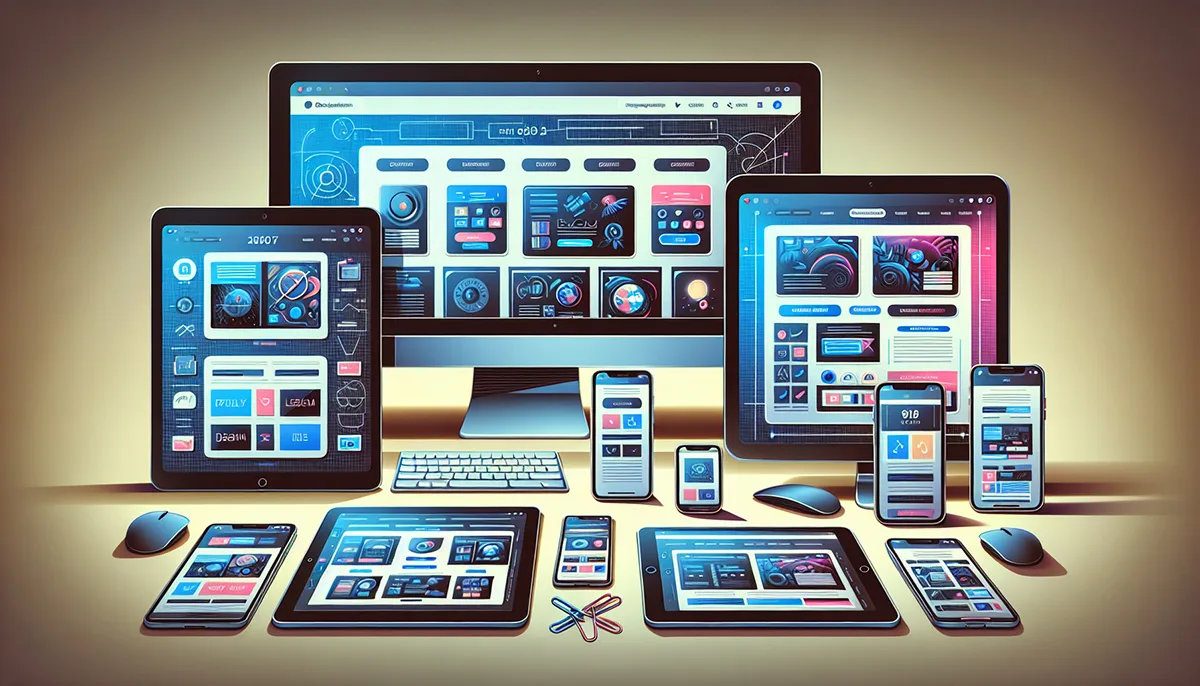
Multi-device Responsive Web Design Showcase
Web Design
Web Design · 5 min read

What is Responsive Web Design (RWD)?

Responsive web design (RWD) ensures your website loads fast and looks sharp across 4K desktop displays, laptops, tablets, and mobile phones for top Google SEO.

#Responsive Design #RWD #Mobile-First
Hemden Design Team Hemden Design Team
Read →
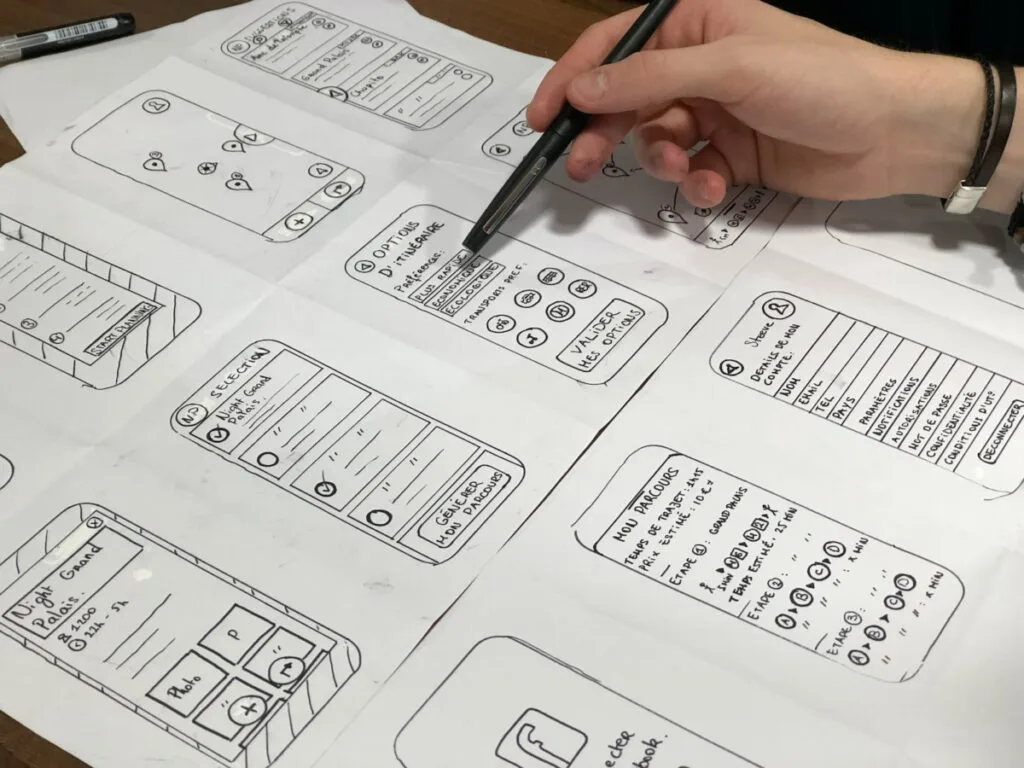
Minimalist Editorial User Interface with Clear Typographic Hierarchy
Design Systems
Design Systems · 6 min read

What is UI/UX Design & Strategy Guide?

Discover how thoughtful UI craftsmanship and seamless UX architecture work together to create intuitive navigation, build brand trust, and boost conversions.

#UI/UX Design #Design Systems #Figma Prototyping
Hemden Design Team Hemden Design Team
Read →
Bespoke Studio Partnership

Ready to build high-performance digital products for your brand?

Whether migrating from legacy platforms, designing tokenized UI/UX systems, or deploying AI automations, Hemden Design engineers bespoke solutions with zero bloat.